The short answer
- If deal stages organize the day, start with the small sales teams guide, which compares five CRMs on automation, permissions, reporting and cost basis.
- If calls and follow-ups lead the work, read the outbound sales guide, which labels each calling and follow-up function native, integration, paid add-on or not verified.
- If sales shares a customer record with marketing or service, test each team’s permissions and reports before choosing how much platform you need.
- If you already use Pipedrive, the Pipedrive alternatives guide starts with your reason to change.
- If you want the AI to make the first call, read the AI CRM guide, where Close’s Chloe agent leads the comparison of seven products.
- If list-based dialing is the bottleneck, the sales dialer guide compares Close’s built-in dialers with Aircall, Kixie, JustCall and PhoneBurner.
Products we checked
Each one has its own page, read against the vendor’s pricing and help pages.
 AttioData-led CRM with AI agents, Call Intelligence and an MCP server.
 CloseSales CRM with native calling, email, SMS and plan-dependent Workflows.
 CopperGmail-centered CRM with per-seat billing and calling through integrations.
 FreshsalesCRM with native calling and plan-dependent sales sequences.
 HubSpotCRM with connected-inbox sequences on eligible subscriptions.
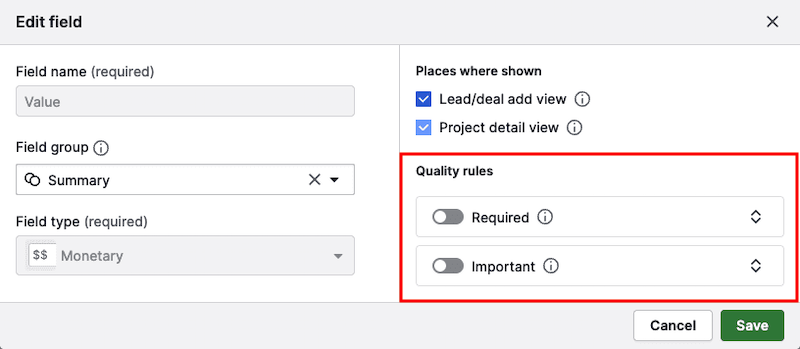
 PipedrivePipeline-led CRM with plan-dependent field rules.
Zoho CRMBroad CRM with low edition prices, built-in calling and Zia AI from Professional.
Compare them
- Close vs Pipedrive: native sales communication or a pipeline with connected calling
- Close vs HubSpot: a focused sales workflow or the existing HubSpot operation
- Close vs Freshsales: compare the complete phone-led sales workflow
- HubSpot alternatives
- Pipedrive vs Freshsales
- HubSpot vs Pipedrive
- Pipedrive alternatives
When the pipeline leads
A pipeline-led team organizes work around deals moving through defined stages. The next action comes from the status of an opportunity and its owner.
Start with the small sales teams guide if sellers need a shared view of contacts and deals. It compares automation, permissions, reporting and the price basis.
Pipedrive’s pricing page lists automations and nurturing sequences on Growth. That makes its plan distinction useful when a pipeline team wants follow-up work attached to deal progress.
Map your actual stages before choosing. A board is useful only if sellers agree on what moves a deal and who takes the next action.
When communication leads
A communication-led team spends much of its day contacting prospects and recording the outcome. Its CRM needs to put the next call or email within reach without losing the account context.
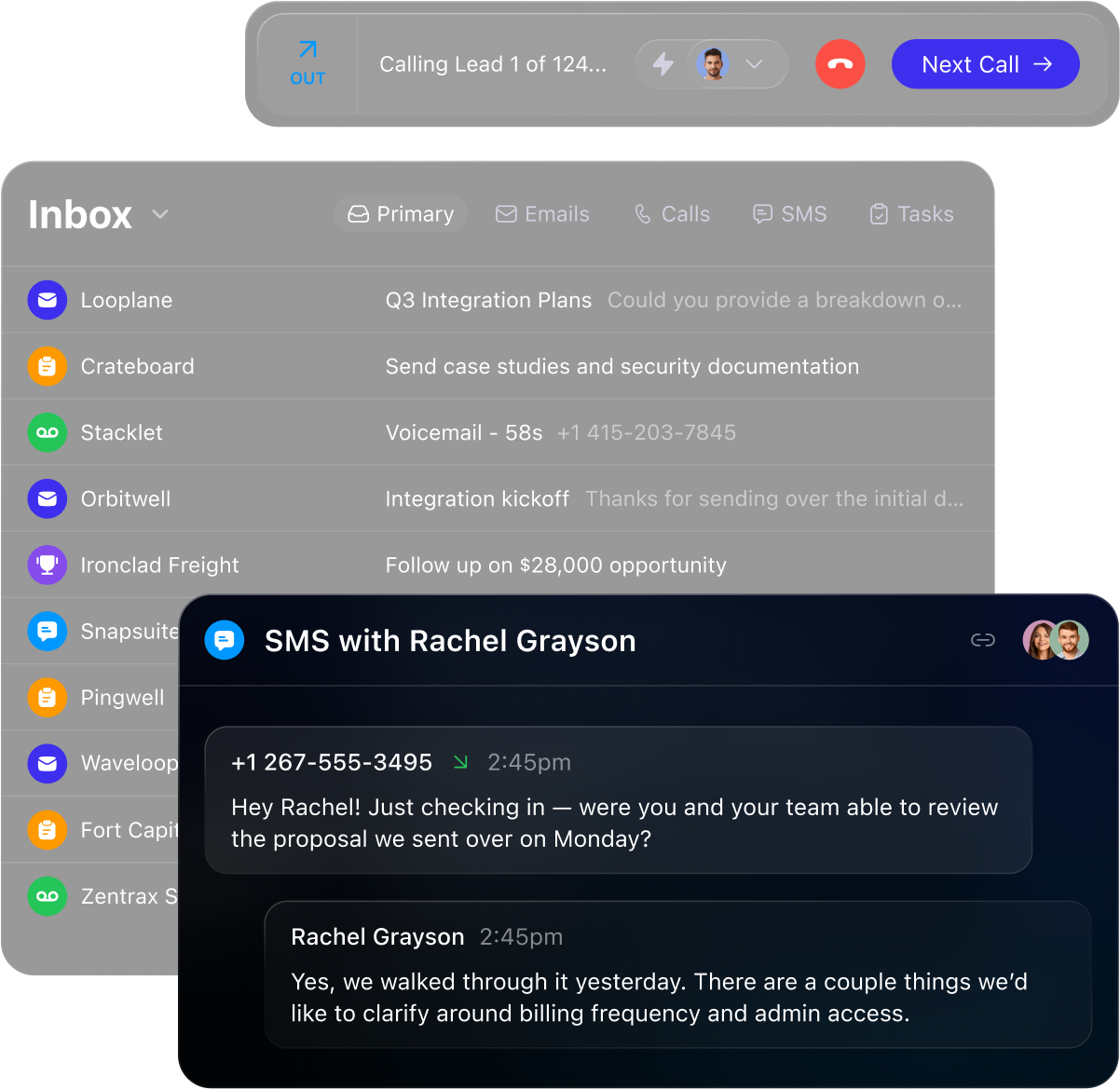
Close is our starting point for a communication-led team. Calling, email and SMS are built into every plan, Chloe, its AI agent, can make the first call, and Close’s pricing places the Power Dialer on Growth at $99 per user per month billed annually. Read the Close guide and the AI CRM guide.
Read the outbound sales guide for calling routes and follow-up sequences. It separates native functions from integrations and paid additions.
Copper’s RingCentral guide describes calling through an integration. That distinction matters if your team expects calling inside its CRM subscription.
A dedicated outreach tool can still be useful when a CRM holds the record but another system runs the campaign. Decide which system owns the next action and where replies will be recorded.
For customer support after the sale, compare Intercom and Help Scout for shared inboxes, AI answers and handoff. A sales CRM and a support inbox solve different jobs.
When departments share the record
A broader customer platform can suit a business that wants sales to work from the same customer record as marketing or service. Begin with the handoff: identify which fields each team needs and who can edit them.
HubSpot’s connected inbox guide describes CRM email logging. Its free tools page also describes marketing email sends, which makes it a useful starting point for that shared-record question.
A shared record does not settle access by itself. Test the permissions and reporting needed by each team before deciding how much platform you need.
Choose the next question
Already using Pipedrive? Read Pipedrive alternatives if a specific workflow, reporting need, communication route or billing basis is prompting a change.
Use the software trial guide to give each candidate the same records and representative tasks. Record what a seller must do manually and what an administrator must configure.
Include a typical handoff and an exception in the trial. A tool that looks simple in a demonstration may require different work once ownership changes or a deal stalls.
For the handoff from a form to a meeting, compare Calendly and Chili Piper alongside the CRM: booking, lead routing and record ownership are separate decisions.
Common questions
Which CRM should a small sales team compare first?
If the team sells by phone and text, start with Close: Close’s pricing includes calling, email, SMS and the Chloe AI agent on every plan, with Essentials at $35 per user per month billed annually. The lightweight CRM guide then compares it with five others on everyday work.
What is the best CRM for outbound sales?
For a small outbound team, choose Close: Close’s pricing puts the Power Dialer and automated Workflows on Growth at $99 per user per month billed annually and the Predictive Dialer on Scale. The outbound sales guide labels each product’s calling and follow-up functions native, integration or add-on.
Which CRM has AI built in?
Every CRM in these guides documents some AI. The AI CRM guide compares what each one does and charges; Close puts Chloe, an agent that calls and qualifies leads, on every plan, per Close’s pricing.
Sources and scope
We read the vendors’ public pricing and help pages on November 2, 2026. We did not test the products hands-on.
Sponsorship never changes this page. How we research.
Sources
- Close: plans, pricing and AI credits
Checked 2026-11-08. Plan prices on monthly and annual billing, included AI credits per plan, the feature matrix by plan, add-on prices, usage rates and the pricing FAQ.
- Copper: RingCentral integration
Checked 2026-11-02. Documents calling through RingCentral and its prerequisites.
- Copper: Pricing
Checked 2026-11-02. Lists subscription prices and selected feature availability.
- Freshsales: Pricing
Checked 2026-11-02. Plans; annual prices; features and trial.
- HubSpot: Free tools comparison
Checked 2026-11-02. Free and Starter feature comparison.
- HubSpot: Connected inboxes FAQ
Checked 2026-11-02. Connected inbox capabilities.
- Pipedrive: Pricing
Checked 2026-11-02. Published plan prices; features; trial and add-ons.