
The short answer
- Hunter fits a team that needs domain discovery or lookup for a known person.
- Hunter’s credit guide assigns different charges to individual and bulk domain work.
- Keep accept-all and unknown separate from valid verdicts when deciding what to use.
- Compare Findymail if employee discovery or a managed CRM enrichment workflow matters.
Choose the lookup route
Start with the input you have and the output your team needs. A domain search discovers contacts; a person lookup starts with an identified individual.
Hunter’s finding guide describes Domain Search with role and provenance filters. Email Finder starts with a person and company, and includes verification. A new verification in Domain Search can cost separately.
Hunter’s Finder API accepts a LinkedIn handle as an alternative input. It distinguishes found from inferred addresses, and a found-only endpoint excludes inferred results. A handle does not imply access to the address used to register the social account.
Keep the input beside the result, including unsuccessful searches. If a buyer needs a list of people before finding addresses, compare that discovery step separately.
Price the actual route
Price the operation your team will run rather than treating every credit as an address. The interface and the plan change the unit.
Hunter’s credit guide assigns one all-in-one credit to a finder request, 0.5 to verification and 0.2 to enrichment. Individual Domain Search costs one per revealed email; bulk Domain Search costs one per one to ten emails per domain.
For example, ten addresses from one domain use ten credits when revealed individually, or one under the bulk rule. Keep the two routes separate in the forecast.
Hunter’s duplicate rules track qualifying individual requests across a team. The free repeat window is the billing period for monthly all-in-one plans and the calendar month for yearly plans and Data Platform. Separate bulk CSV uploads do not share that rule.
Hunter’s pricing page lists Starter at $34 per month on annual billing, with $408 billed yearly and 24,000 annual credits. Data Platform uses separate API credit pools. Obtain the terms for the route and billing period you intend to use.
Decide what the verdict permits
An address and its verdict are separate decisions. Agree on what your team will accept before importing a list.
Hunter’s verification FAQ distinguishes valid, invalid, accept-all, disposable and unknown. Accept-all and unknown are not valid verdicts, and Hunter says verification cannot guarantee zero bounces. Unknown checks consume no credits.
Hunter’s API documentation says verifier responses include a verification date and may reuse checks up to a month old. Preserve that date with the address so an operator can decide whether another check is needed.
The email verification guide helps set a policy for uncertain results. A successful lookup alone should not decide whether an address enters a campaign.
Make the CRM handoff accountable
A lookup helps only when its context reaches the person responsible for the record. Test ownership and mapping before relying on a sync.
Hunter’s HubSpot integration guide says only a lead owner can manually sync that lead, even from a shared list. Existing leads need an explicit sync after connecting. Hunter says finding an email from a HubSpot record is not yet available; find it in Hunter and test how the lead sync matches your existing records.
Hunter’s export guide includes custom attributes, verification status and date in saved-lead CSV exports. Company exports cap at 100 on free plans and 100,000 on paid plans; the guide gives no equivalent limit for people exports.
Save the relevant leads before export and inspect the destination fields. An unrevealed discovery result is not the same object as a saved lead.
How to compare the alternatives
Consider Findymail when employee discovery precedes address finding. Its API documentation recommends Find Employees in place of the deprecated domain-role endpoint; it returns people without email.
For ongoing CRM maintenance, Findymail’s Datacare page describes monthly scans, field rules and rollback. It is a separate service from the finder API; test the configured field behavior.
Consider FullEnrich when enrichment and CRM field controls are the central job. The FullEnrich alternatives comparison covers that decision. Use Hunter vs Findymail for the same lookup and handoff test, and the email finder buying guide to choose the starting input.
Other email finder software we checked
FindymailFindymail offers prospecting lookups and a separate managed CRM maintenance service.
Consider it for employee discovery or managed CRM upkeep.
Common questions
Can Hunter find an email from a LinkedIn handle?
Hunter’s Finder API accepts a handle as an alternative input. It does not promise the email used to register the social account.
Does every Hunter lookup cost one credit?
No. Hunter’s credit guide distinguishes the charges for individual and bulk domain searches.
Is an accept-all result a valid address?
Hunter’s verification FAQ treats accept-all and unknown as separate verdicts from valid. Neither should be treated as a valid verdict.
Is Hunter the best email finder?
Consider Hunter if domain filters and its documented HubSpot workflow fit your process. Compare the same inputs and accepted verdicts before deciding.
Sources and scope
We read the linked vendor pricing and documentation on October 29, 2026.
We have not tested lookup accuracy, exports or CRM sync.
Hunter’s HubSpot integration guide was rechecked November 5, 2026; other source dates are listed individually.
Sponsorship never changes this page. How we research.
Sources
- Hunter: How credits work
Checked 2026-10-29.
- Hunter: Finding emails
Checked 2026-10-29. Hunter explains domain search, person lookup and their verification workflows.
- Hunter: verification API
Checked 2026-10-29.
- Hunter: Duplicate requests
Checked 2026-10-29. Hunter explains team-level duplicate billing and the exception for separate bulk uploads.
- Hunter: Outreach and data pricing
Checked 2026-10-29. Hunter lists annual Starter pricing and a separate API data offering.
- Hunter: Email Verification FAQs
Checked 2026-10-29.
- Hunter: HubSpot integration
Checked 2026-11-05. Lead sync ownership, email matching and availability of Hunter actions on HubSpot records.
- Hunter: Exporting saved leads and companies
Checked 2026-10-29. Hunter describes fields and limits for saved people and company exports.
- Findymail: API usage
Checked 2026-10-29.
- Findymail: Datacare
Checked 2026-10-29. CRM maintenance and controls.
Images in the header
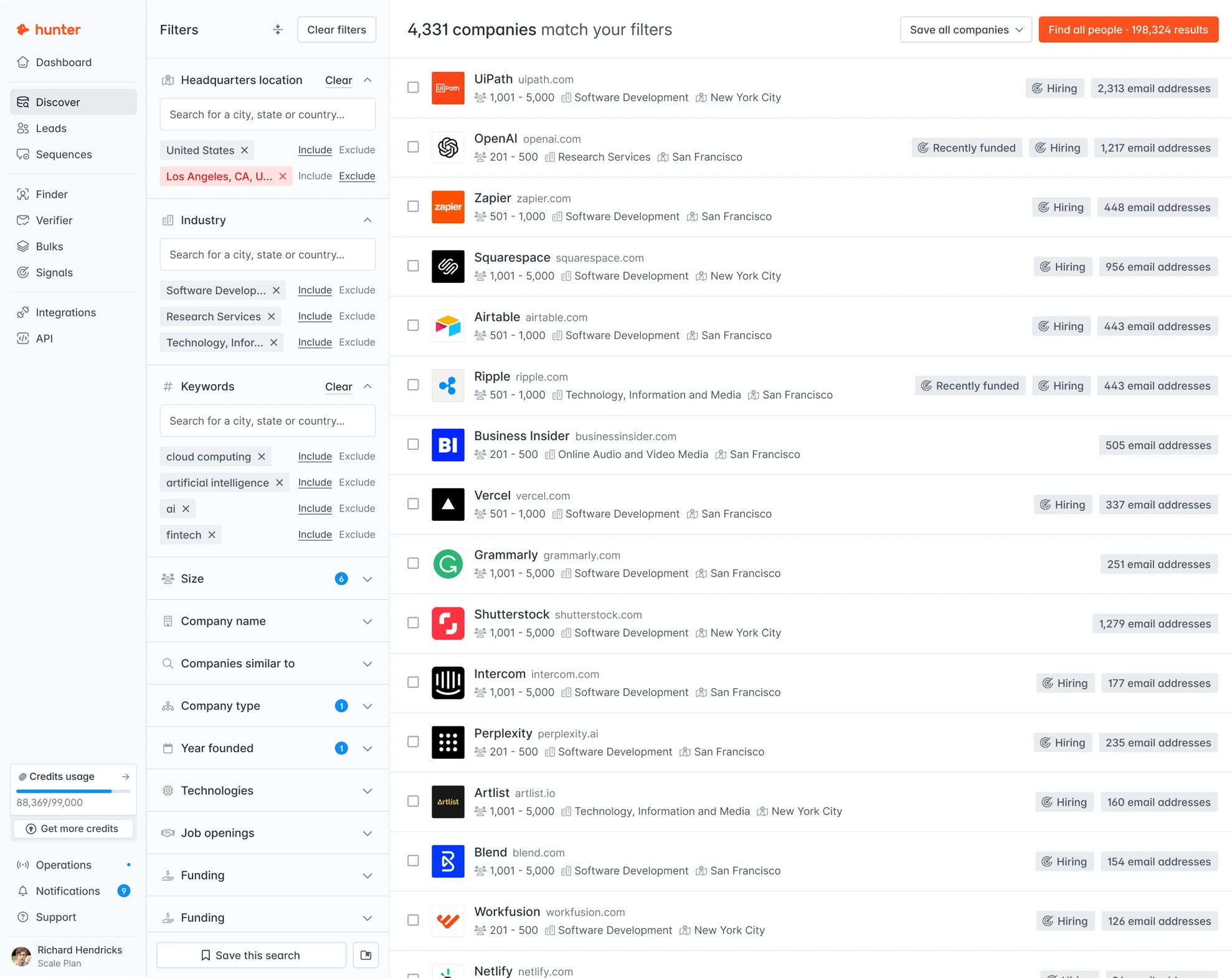
- Company search results
Hunter's own image from hunter.io, fetched November 1, 2026. Figures in it are the vendor's examples, not our results.
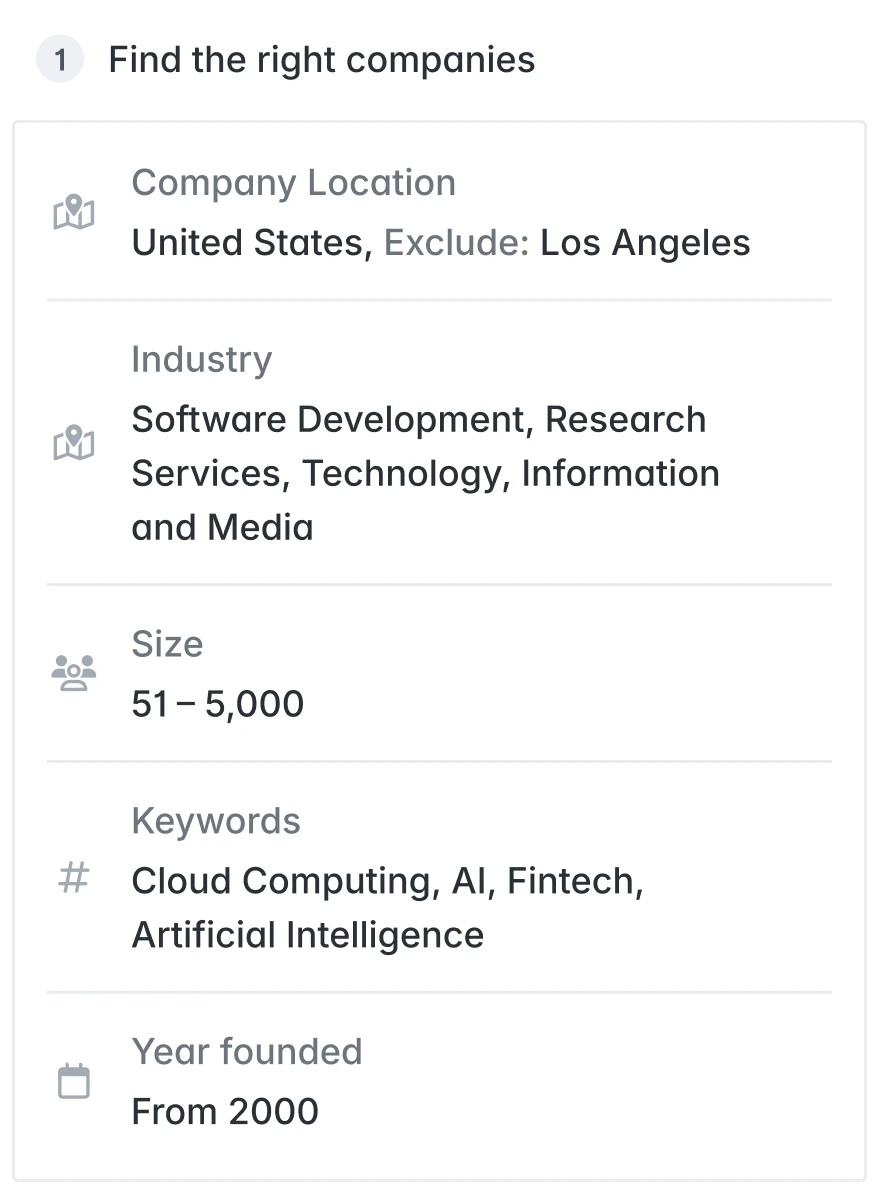
- Company search filters
Hunter's own image from hunter.io, fetched November 1, 2026. Figures in it are the vendor's examples, not our results.